Appearance
Apply Colors
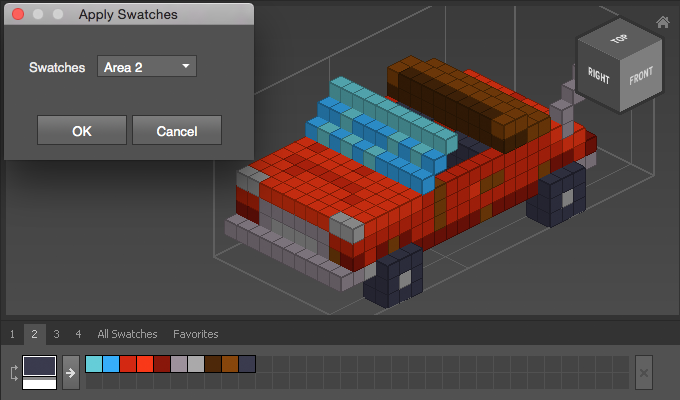
Use Apply Colors to change every voxel's color to the closest color of the Color Map.
How to Apply Colors
- Select objects
- Choose
Modify > Color > Apply Colors - Select the set of swatches you want to use
Example
Apply Colors can be very useful to reduce noise. Here, the car model has been modified with Add Noise.
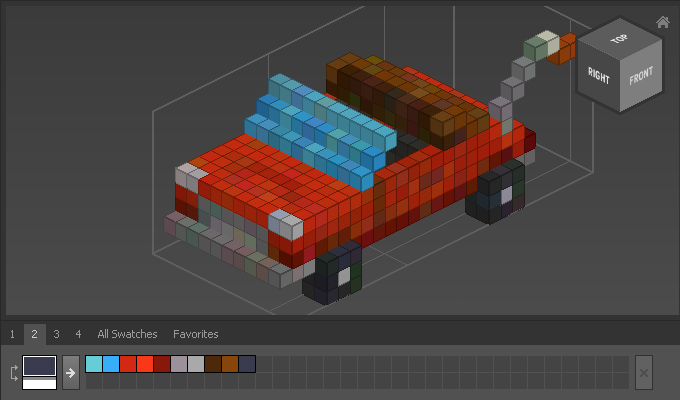
To remove the noise use Apply Colors and map all voxel's colors to the 10 swatches below.