Appearance
Create Compound
Use Create Compound to join multiple objects in a single Compound without loosing the original objects.
How to Create a Compound
- Select objects to be joined in a Compound.
- Choose
Modify > Compound > Create Compound
Example
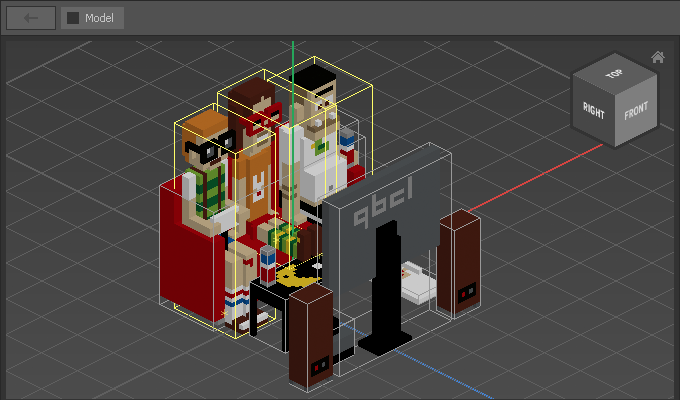
First, select objects:
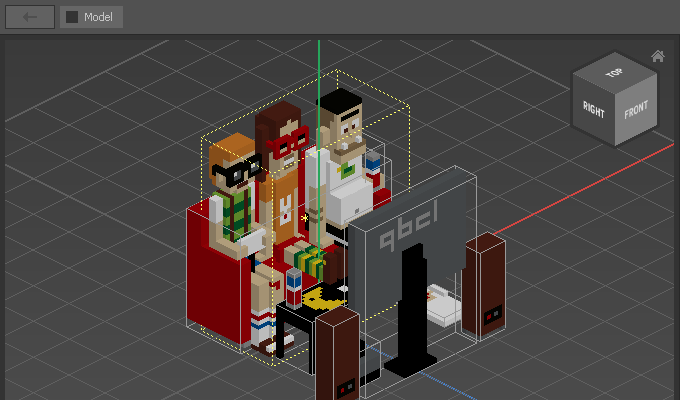
After choosing Modify > Compound > Create Compound the three objects are joined in a Compound, indicated by a dashed outline.
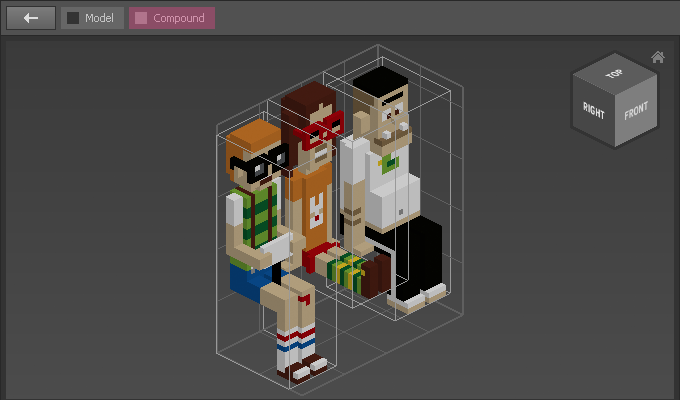
Dbl-click a Compound to open it, moving one step down the hierarchy (indicated by the Header Bar):
Dbl-click a Matrix to edit it as usual using the Matrix Editor:
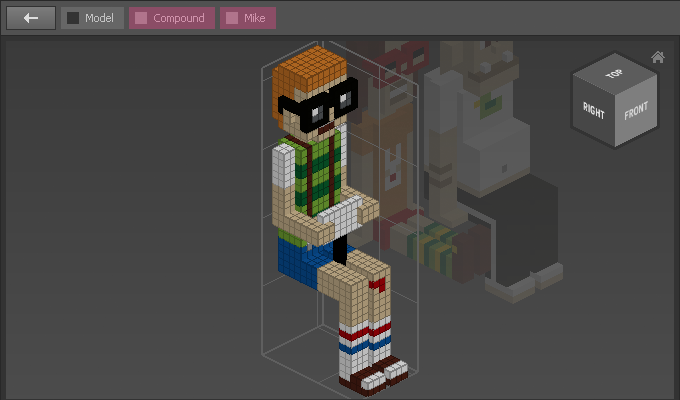
To go back to the Compound or the Model either double-click an empty area or click on one of the corresponding buttons of the Header Bar.