Appearance
Crop
Use Crop to resize a Compound's children so that they fit into the Compound's work area.
How to Crop a Compound
- Select Compounds
- Choose
Modify > Compound > Crop
Example
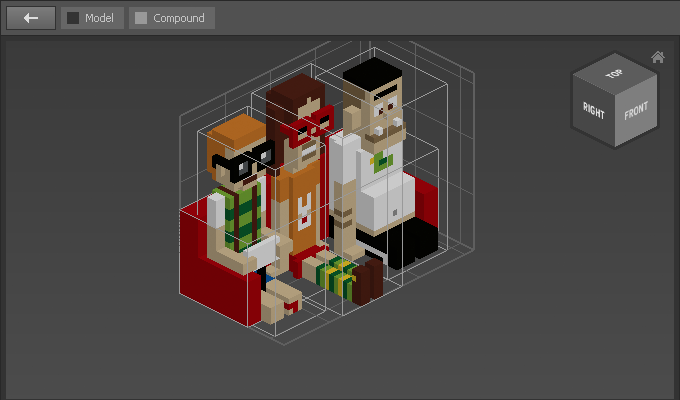
To illustrate the Crop modifier we take the following compound:
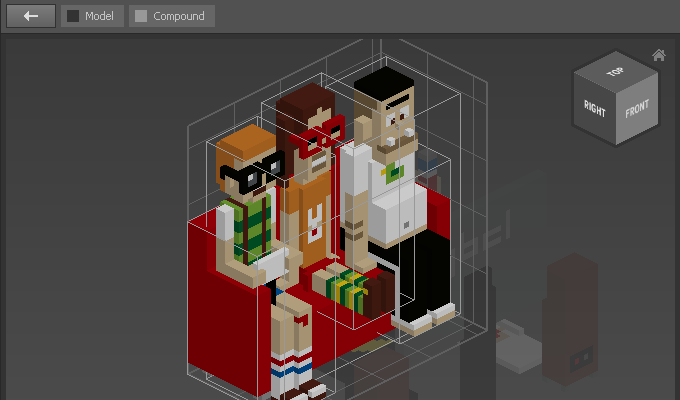
Resize it so that the work area is smaller than its content:
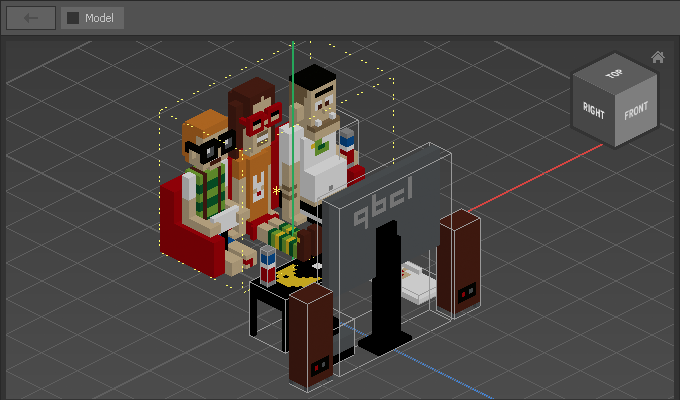
Modify > Compound > Crop: